ANGULAR 17
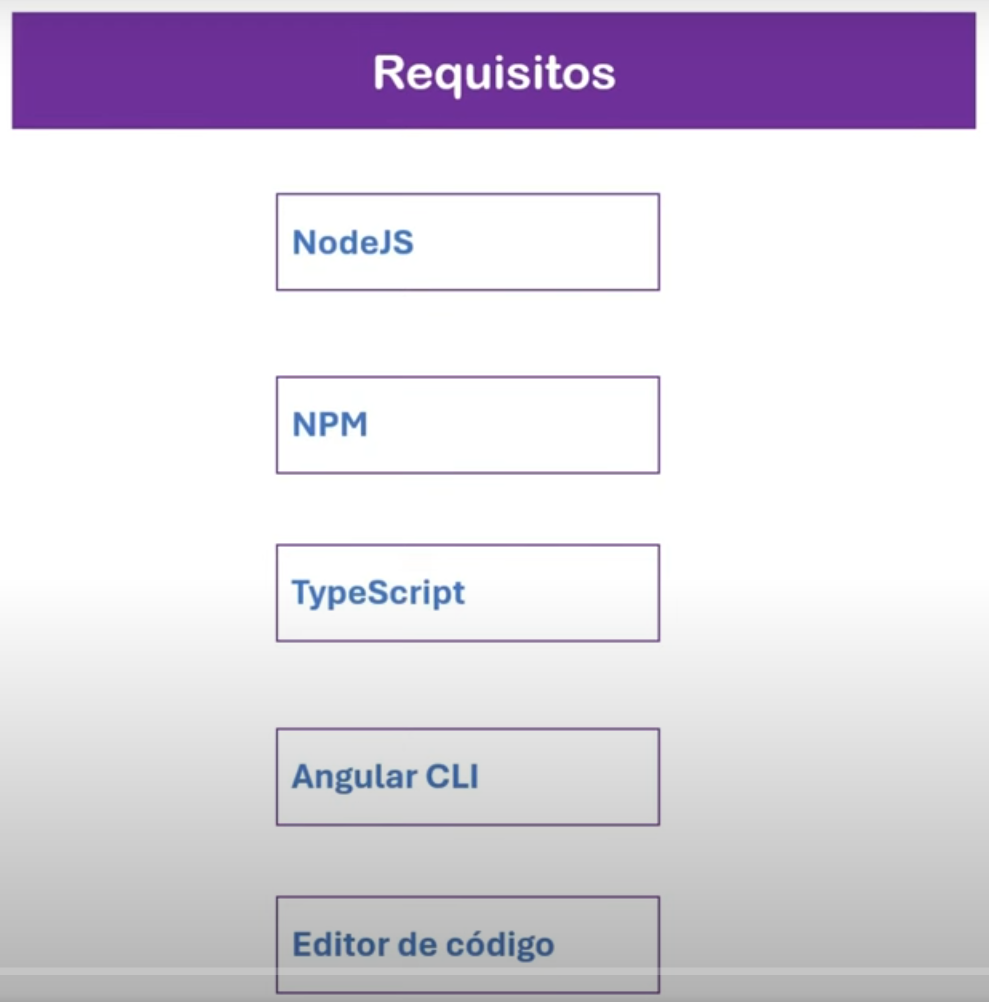
Requisitos
Instalar la CLI de Angular
Crea un espacio de trabajo y una aplicación inicial

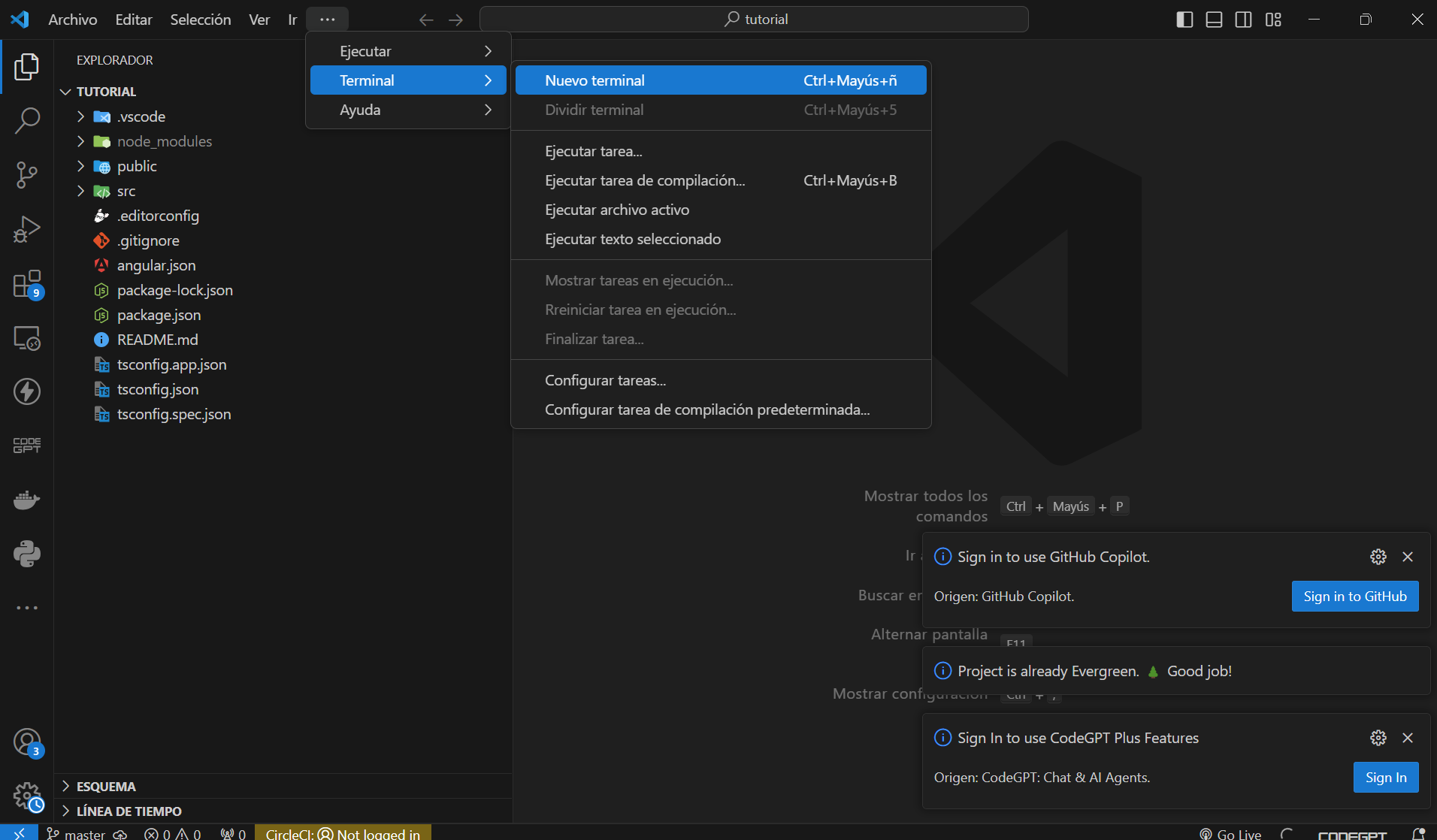
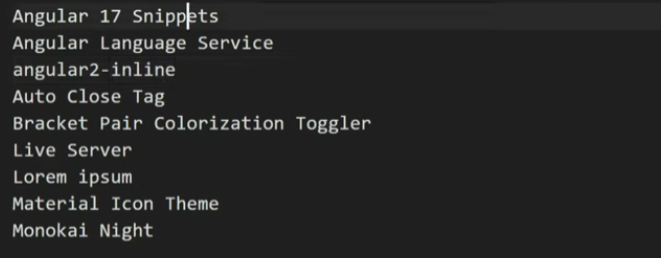
Extensiones para VS Code
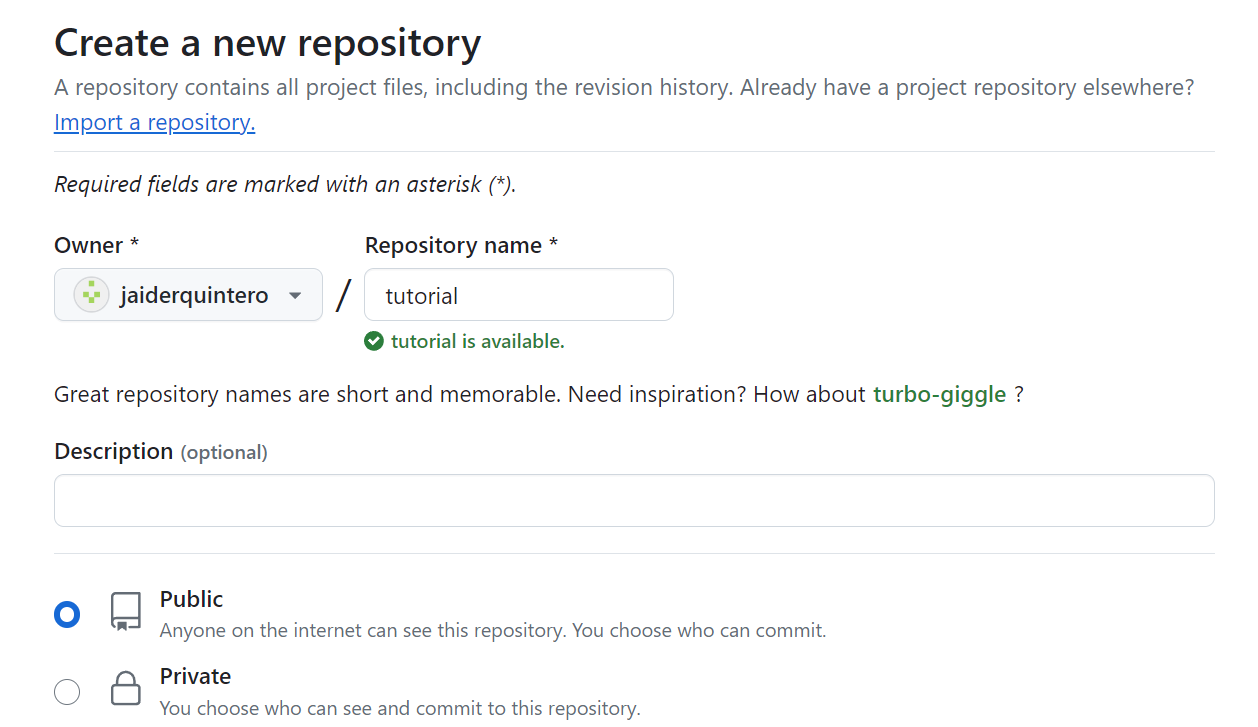
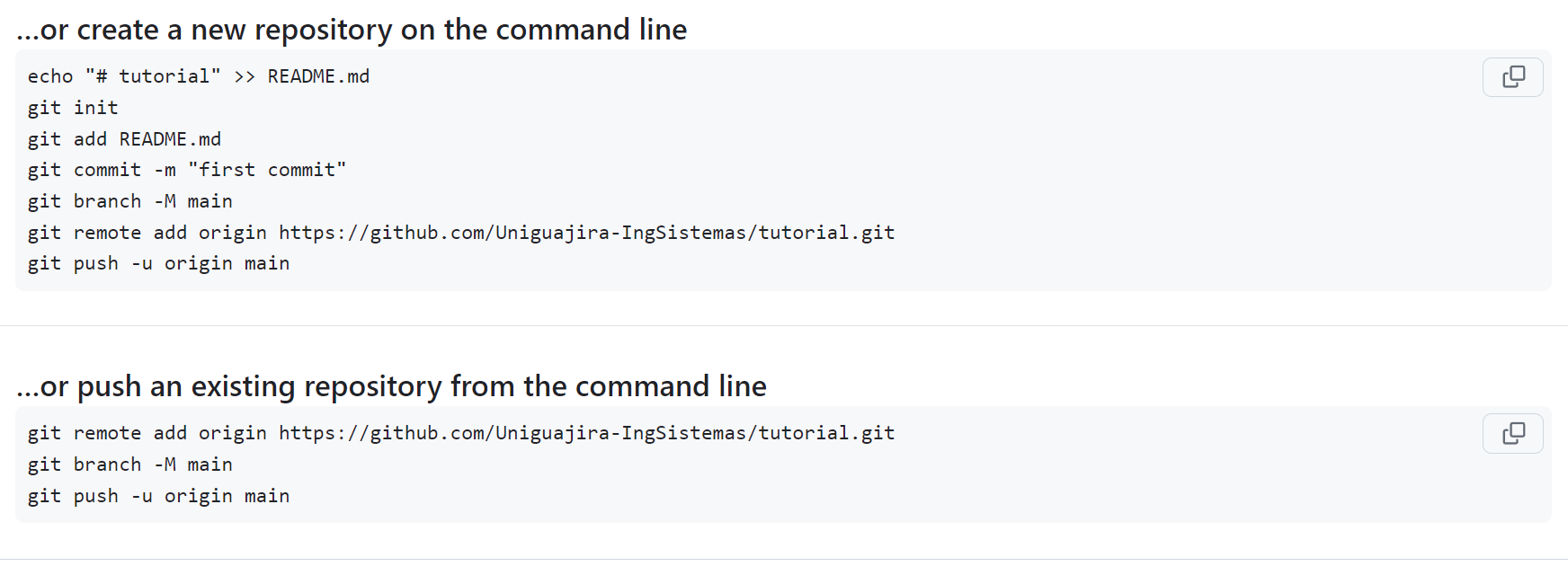
Crear Repositorio GitHub
Crear Componente

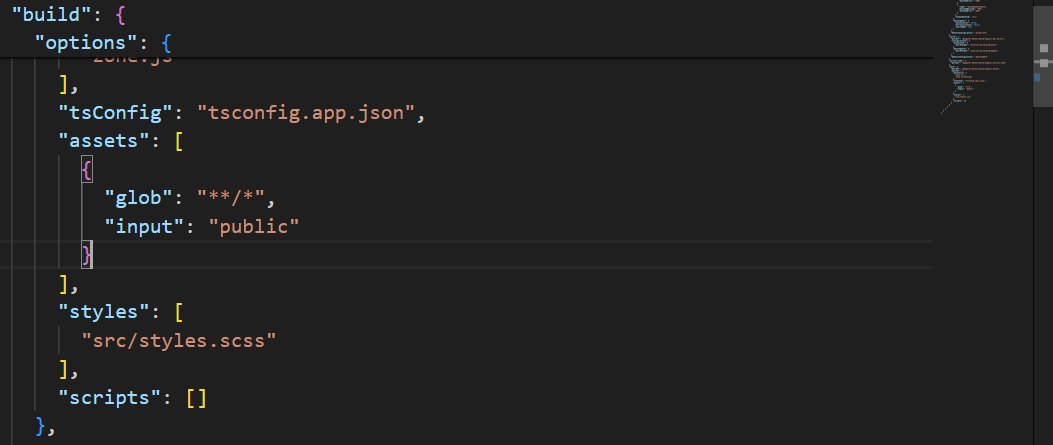
Para definir los tipos de estilos en angular.json

Se le cambia el nombre en

y en las dos partes de angular.json
Y por ultimo, hacemos lo mismo en el componente app.component.css por
app.component.scss
y en el decorador de app.component.ts

Para probar borramos el componente y lo volvemos a crear
Y ya queda generado con el estilo scss

Para mostrar este componente tenemos:
Vamos hasta el componente principal app.component.html

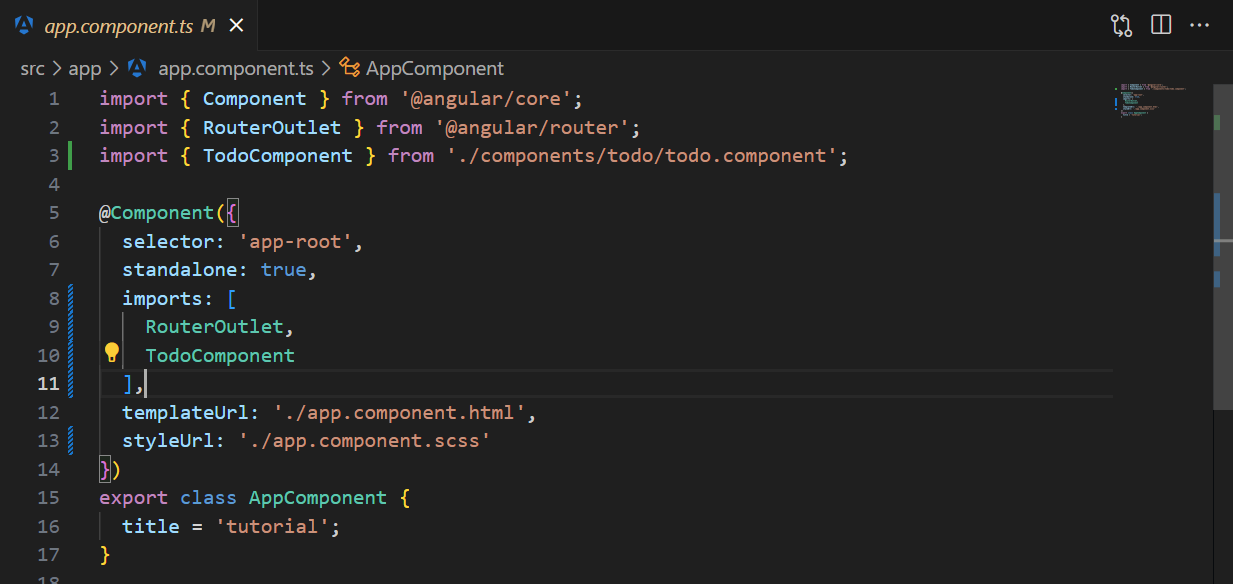
Luego importarlo en app.component.ts
import { Component } from '@angular/core';
import { RouterOutlet } from '@angular/router';
import { TodoComponent } from './components/todo/todo.component';

@Component({
  selector: 'app-root',
  standalone: true,
  imports: [
    RouterOutlet,
    TodoComponent
  ],
  templateUrl: './app.component.html',
  styleUrl: './app.component.scss'
})
export class AppComponent {
  title = 'tutorial';
}
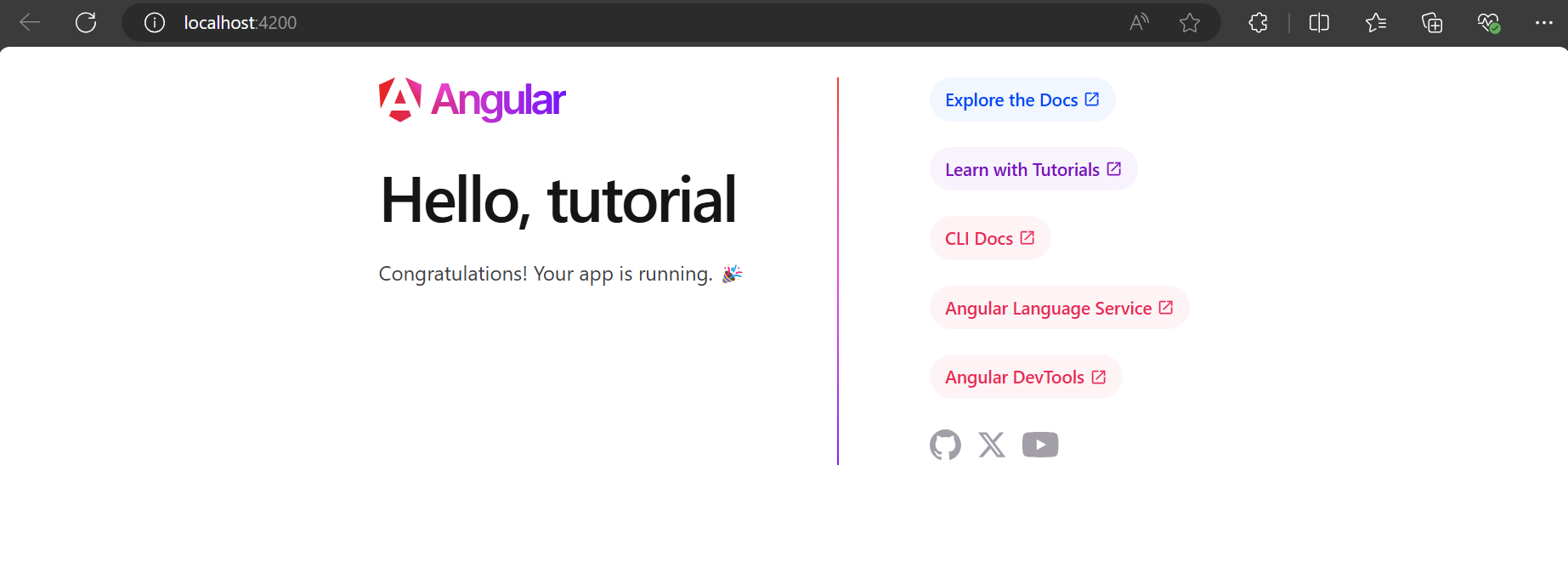
Si ejecutamos el proyecto
o También

Iniciamos cambiando el código en el componente AppTodo y en el componente principal AppComponent
appcomponent.html
TodoComponent.html
<div
    class="card-container"
>
    <span class="icon-close">x</span>
    <div class="card-body">
        <div class="card-content">
            <h3>Title</h3>
            <p>Lorem ipsum dolor sit amet, consectetur adipisicing elit. Dolore consectetur quam libero ipsa molestiae quia reprehenderit laudantium, consequuntur temporibus doloremque earum dolorum ducimus aperiam? Recusandae nisi aut at animi nam?</p>
        </div>
    </div>
    <div class="card-content pills-container">
        <p>Estado:
            <span
                class="status"
            >
                    In progress
            </span>

        </p>
        <p>Prioridad:
            <span
                class="priority"
            >
            Low
            </span>
        </p>
        <p>Fecha límite: '02/04/2024'</p>
    </div>
    <section class="progressbar-container">
        <div class="progressbar">
            <div class="progressbar__fill">
            </div>
        </div>
        <span>x %</span>
    </section>
</div>
todo.component.scss
.card-container {
    border: 2px solid #F0F0F0;
    width: 14rem;
    box-shadow: 0.5rem 0.5rem 0.5rem 0 rgba(242,242,242,1);
    border-radius: 1rem;
    height: 100%;
    position: relative;


    .card-body {
        margin-top: 1rem;
    }

    .card-content {
        padding: 0.5rem;
    }

    &.first {

        .card-body {
            border-bottom: 2px solid #f2c8e0;
        }
    }

    &.last {

        .card-body {
            border-bottom: 2px solid #bcecde;
        }
    }

    &.odd {
        background-color: #578786;
        color: #ffffff;
    }

    &.even {
        background-color: #d18e4f;
        color: #ffffff;
    }

    .icon-close {
        position: absolute;
        right: 1rem;
        top: 0.5rem;
        cursor: pointer;
        font-size: 1.2rem;
    }

    .pills-container {
        margin-bottom: 1rem;
        span {
            padding: 0.25rem 0.5rem;
            border-radius: 1rem;

            &.white {
                color: #ffffff;
            }

            &.status {
                background-color: #d2c8c8;

                &.to-do {
                    background-color: #ed4040;
                }

                &.in-progress {
                    background-color: #76761c;
                }

                &.done {
                    background-color: #68db68;
                }

                &.backlog {
                    background-color: #808080;
                }
            }

            &.priority {
                background-color: #d2c8c8;
                &.low {
                    background-color: #68db68;
                }

                &.medium {
                    background-color: #3e3e8f;
                }

                &.high {
                    background-color: #ed4040;
                }
            }
        }
    }

    .progressbar-container {
        position: absolute;
        bottom: 0.5rem;
        left: 0;
        margin: 0 0.5rem;
        span {
            position: absolute;
            right: 0rem;
            bottom: 1.5rem;
            border-radius: 0.25rem;
            font-size: 0.75rem;
            background-color: #000000;
            padding: 0.125rem 0.5rem;
            font-weight: bolder;
            color: #ffffff;

            &::after {
                content: "";
                position: absolute;
                left: 35%;
                border-width: 0.375rem;
                border-style: solid;
                border-color: transparent transparent #000000 transparent;
                rotate: 180deg;
                top: 1.125rem;
            }
        }
        .progressbar {
            width: 13rem;
            height: 0.5rem;
            background-color: #f0f0f0;
            border-radius: 0.25rem;
            overflow: hidden;

            &__fill {
              height: 100%;
              background-color: #ff6347;
              transition: width 0.3s ease-in-out;
            }

            &[data-progress-range="medium"] {
                .progressbar__fill {
                    background-color: #ffd700;
                }
            }

            &[data-progress-range="high"] {
                .progressbar__fill {
                    background-color: #32cd32;
                }
            }
          }
    }
}
En el archivo models/todo.models.ts
export namespace NTodo {

    export interface TodoData {
        title:       string;
        description: string;
        status:      string;
        priority:    number;
        hidden: boolean;
        id: number;
        deadLine: string;
        progress: number;
        color:       TodoConfig;
        class:       TodoConfig;
    }

    export interface TodoConfig {
        status:   string;
        priority: string;
    }

    export enum Priority {
        HIGH = 1,
        MEDIUM = 2,
        LOW = 3
    }

    export enum PriorityText {
        HIGH = 'Alta',
        MEDIUM = 'Media',
        LOW = 'Baja'
    }

    export enum Range {
        LOW = 30,
        MEDIUM = 60,
        HIGH = 100
    }

    export enum RangeText {
        LOW = 'low',
        MEDIUM = 'medium',
        HIGH = 'high'
    }
}
Ahora vamos a hacer que nuestro componente se comporte de manera variable, es decir cambie entre una tarjeta u otra y no se repita la información.