Instalacion PHP 8
sudo dnf update -y
sudo dnf module list php
sudo dnf module list php

Cambiemos por defecto a la version

sudo dnf module enable php:8.0
sudo yum install -y php
sudo systemctl restart httpd
php -v
Probar PHP a su instancia
Cree el archivo:
En el archivo, introduzca el siguiente texto y guarde el archivo:
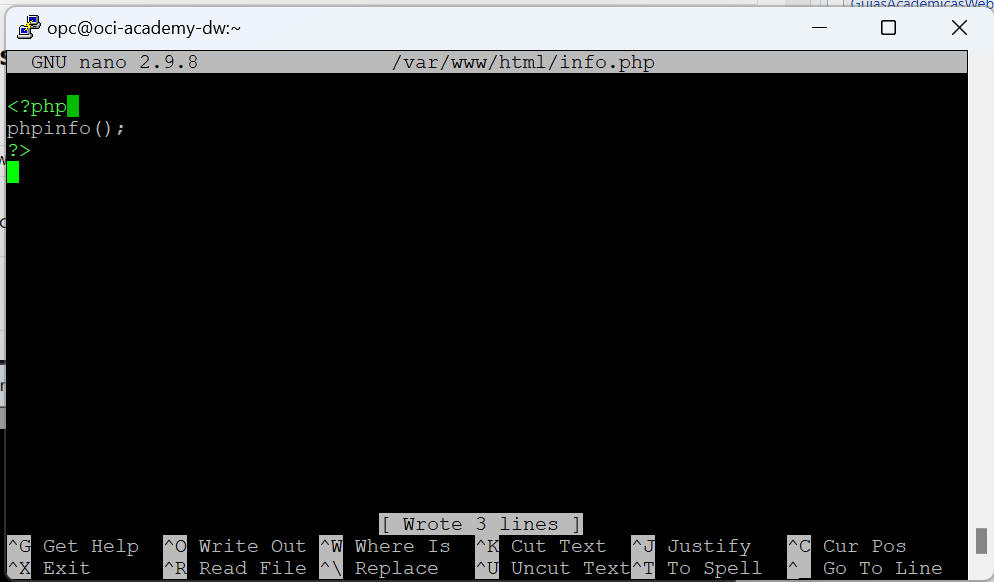
Ctrl + O
Ctrl + X
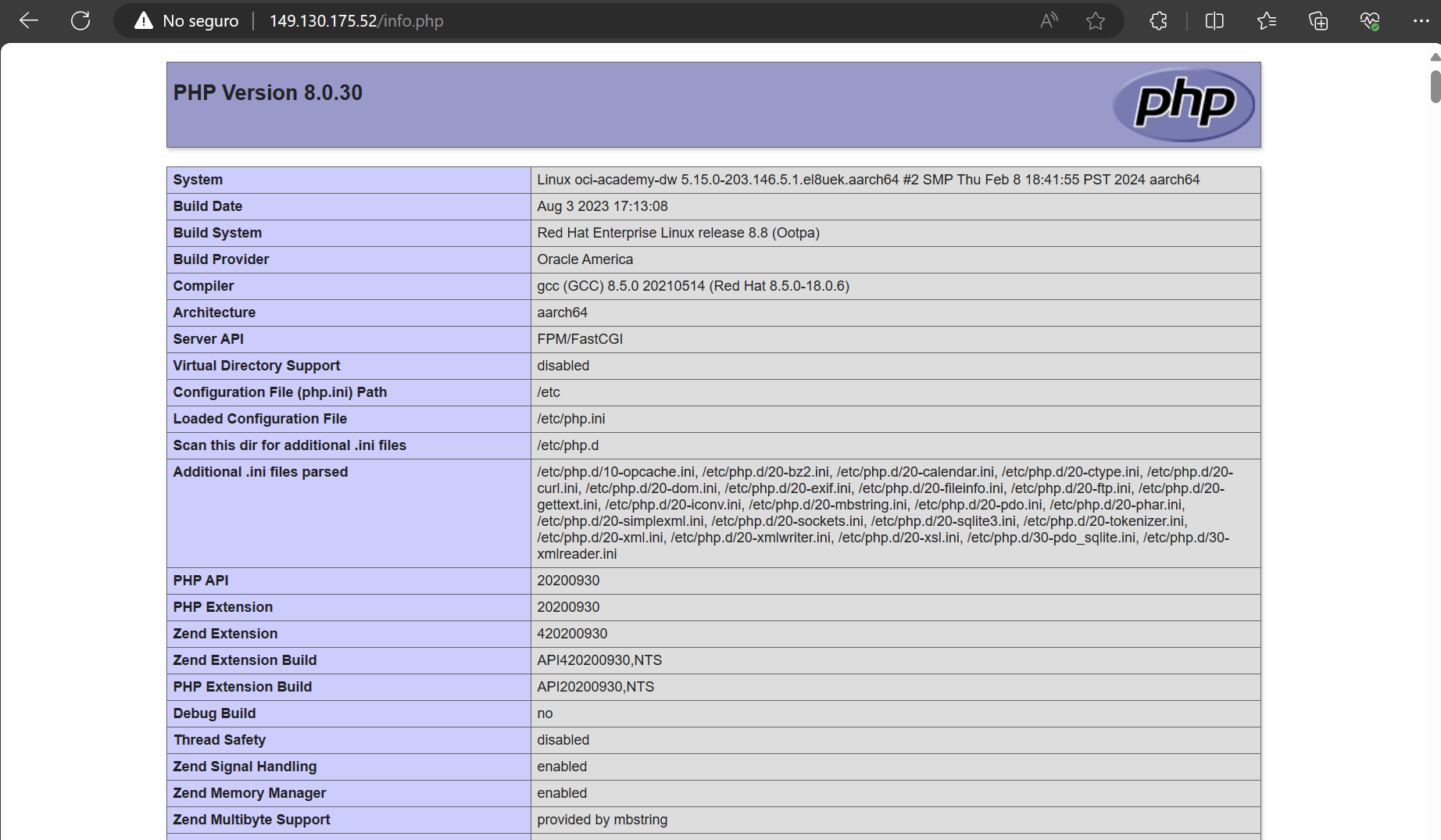
Conéctese a http://<your-public-ip-address>/info.php
http://149.130.175.52/info.php
MYSQL Server
Step 1 - Enable MySQL 8 Repository
Enable the MySQL 8 repository:
This will enable the community MySQL 8.0 modules.
Step 2 - Install MySQL
Install MySQL server:
This will install MySQL 8.0 on your Oracle Linux system.
Step 3 - Start MySQL Service
Start the MySQL service:
Step 4 - Secure the MySQL Installation
Run the mysql_secure_installation script:
Crear Puerto
sudo firewall-cmd --permanent --zone=public --add-port=3306/tcp
sudo systemctl stop firewalld.service
sudo systemctl disable firewalld.service
sudo systemctl start firewalld.service
sudo systemctl enable firewalld.service
sudo firewall-cmd --zone=public --list-ports
Agregar puerto a OCI, según lo visto en el capitulo de Instancias.